Troubleshooting
Device blinking, not charging or not heating? Pack looks different from the last one? These troubleshooting guides go from the quickest fix to the last resort, with the light patterns IQOS UAE publishes for each problem.
Start here
- What the lights mean: Read the light or Touch Screen sign first; it usually names the problem.
- Not charging: Adaptor, cable, contacts and temperature, in that order.
- How to reset: The last step before contacting support, for all three models.
- Is it genuine?: Checks for a TEREA pack and an ILUMA i kit.
- Storing TEREA in UAE heat: Keeping packs dry and cool.
Common questions
My ILUMA i is blinking. What does it mean?
On the ILUMA i ONE, blinking yellow means the battery is empty and blinking red means it needs a reset. The ILUMA i and ILUMA i PRIME show signs on the Touch Screen instead: a flashing "0" means charge the holder, and a flashing "E" means reset it. Every light and sign.
How do I reset an ILUMA i?
ILUMA i and ILUMA i PRIME: put the holder in the Pocket Charger and press the Pocket Charger button for 10 seconds. ILUMA i ONE: press its button for 7 seconds. Charge it and clean the contacts first; that often fixes the problem without a reset. Reset steps.
What if nothing works?
If the fault comes back after a reset, contact IQOS support or the shop that sold you the device. IQOS UAE gives a 1-year warranty, and a second year if you register the device within 30 days.
I bought from you and the device was faulty on arrival.
Faulty, damaged or dead-on-arrival items must be reported within 24 hours. We collect them free. Our returns page.
Articles
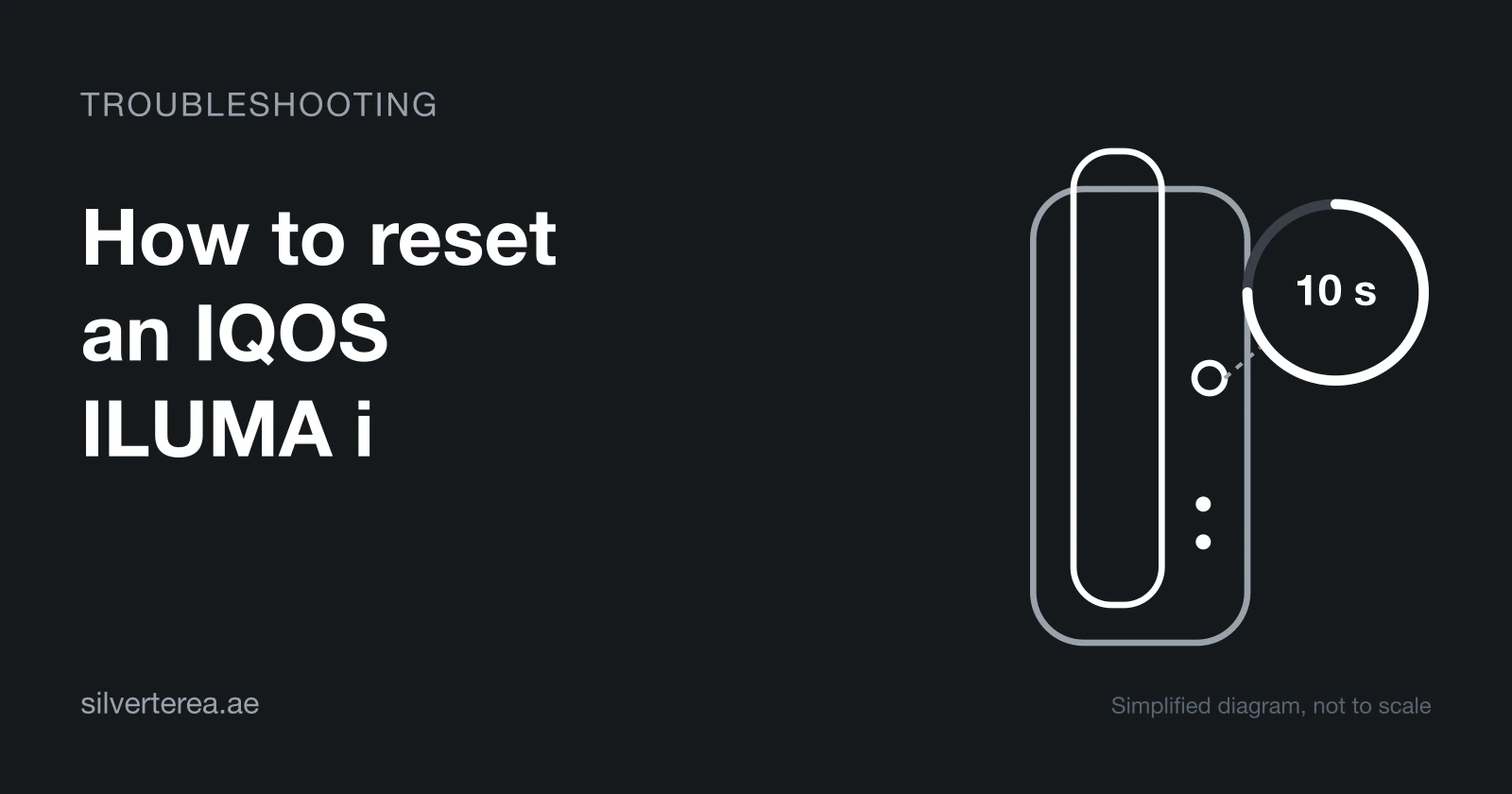
How to Reset an IQOS ILUMA i ONE, ILUMA i or ILUMA i PRIME
How to reset an ILUMA i ONE, ILUMA i or ILUMA i PRIME that will not heat, respond or charge, with button timings and light patterns from IQOS UAE.
How to Check Your ILUMA i Kit and TEREA Silver Are Genuine
Practical checks for an ILUMA i kit and TEREA Silver packs, before and after you buy in the UAE: serial number, IQOS registration, warranty and the FTA tax stamp.
IQOS ILUMA i Not Charging: Fixes for ILUMA i ONE, ILUMA i and ILUMA i PRIME
Why an IQOS ILUMA i ONE, ILUMA i or ILUMA i PRIME won't charge, and the fixes IQOS support gives, in order: adaptor and cable, contacts, temperature, reset and battery wear.
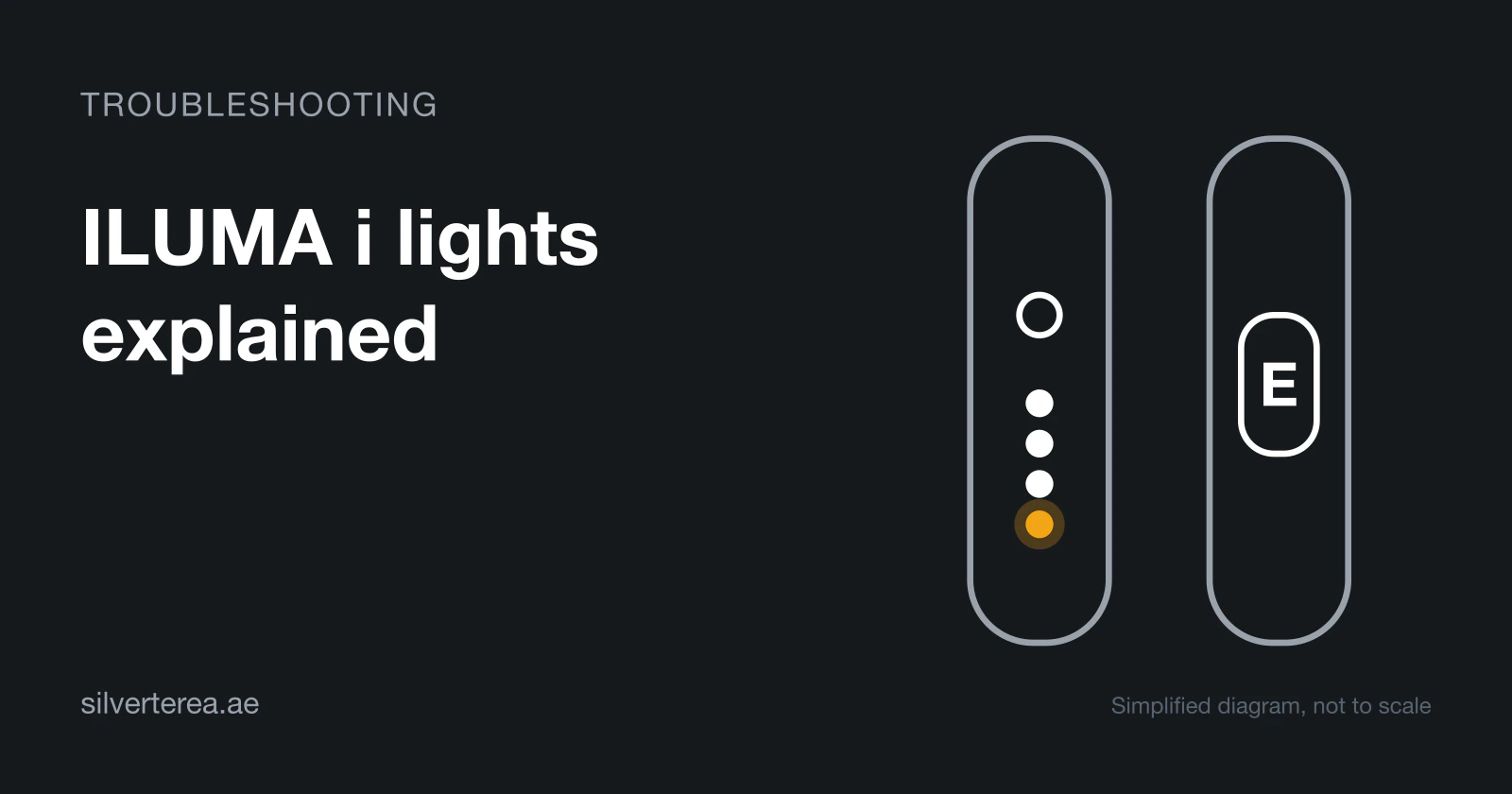
IQOS ILUMA i Lights Explained: What Each Colour and Blink Means (ILUMA i ONE, i and i PRIME)
A model-by-model key to IQOS ILUMA i lights and Touch Screen signs, from IQOS UAE support pages: what red, yellow and white blinks mean, and what to do next.
How to Store TEREA in UAE Heat, and Handle It Safely
Where to keep TEREA packs and cartons in the UAE summer, and the handling warnings IQOS gives about the metal part inside every stick.